
An employee changes positions, loses access to their old professional email account, and finds themselves stuck in front of the MyArkevia login screen. This scenario is commonly encountered in HR forums. The Arkevia digital vault stores payslips, certificates, and sensitive documents, but access relies on parameters that are often overlooked as long as everything is functioning. Here’s how to secure and maintain access to the Arkevia account without unpleasant surprises.
Arkevia account linked to the employer: what it changes for access
You don’t create a MyArkevia account like you would open a free email account. The opening of the vault depends on the affiliation with a client company of the service. It is the employer who triggers the account creation, usually during hiring or when implementing the digitization of payslips.
This dependency has a direct consequence: if the company changes providers or if the employee leaves the company, access to the vault remains active, but account management then relies entirely on personal identifiers. Losing one’s bearings at that moment (obsolete email address, forgotten password) seriously complicates recovery.
To log in to your Arkevia account after leaving, you need the email address provided during the initial activation. If this address was a professional one assigned by the former employer, the reset procedure becomes a headache. It’s better to anticipate by associating a lasting personal email address right from the account opening.
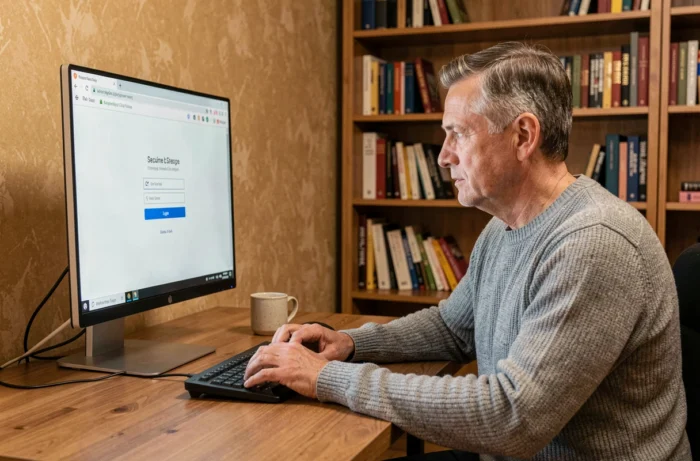
Email address and phone number: the two locks of Arkevia connection
Recovering an Arkevia account depends more on the associated email address than on the password itself. In practice, when you click on “Forgot password,” the reset link arrives at this address. Without access to the email linked to the account, no self-service reset is possible.
The email address, the real key to the digital vault
Before even worrying about the strength of the password, check that the email address linked to the account is one you control in the long term. A personal address from a stable provider is suitable. A company address is not, unless you are sure you will keep it.
To change the associated address, you must log in to the MyArkevia portal, access the profile settings, and update the corresponding field. If you have already lost access, you will need to go through support.
The phone number, a new point of blockage
With the gradual rollout of two-factor authentication on Arkevia accounts, the phone number becomes a full-fledged security element. The verification code sent by SMS assumes that the registered number is still active. A change of operator or number not reported in the account settings is enough to block the connection.
Feedback varies on this point: some users report that 2FA is not yet activated on their space, while others are already encountering it. In any case, providing an up-to-date phone number in your MyArkevia profile is a precaution to take now.
Activating the MyArkevia account: concrete steps not to miss
The first login is the one that conditions everything else. You receive an activation email sent by the employer or by the Arkevia platform. This email contains a temporary link.
- Open the activation link in an up-to-date browser (older versions sometimes cause display issues with the secure portal).
- Create a personal password that meets the criteria imposed by the platform: minimum length, special characters, a mix of uppercase and lowercase letters.
- Immediately provide a personal email address and a valid phone number in the profile settings.
- Check that the digital vault is accessible by opening the “Documents” tab and reviewing a test file, such as the first digitized payslip.
The activation link has a limited validity period. If you let the deadline pass, you must request a resend from the company’s HR service or directly through Arkevia support. This deadline is not always clearly specified in the email, hence the importance of activating your account as soon as you receive it.
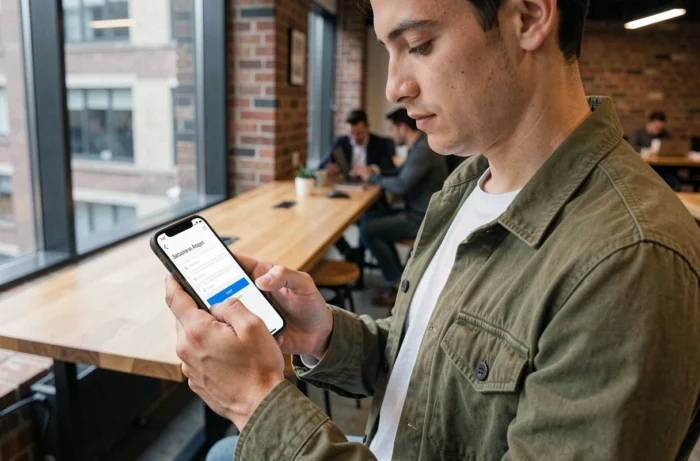
Resolving a login blockage on the Arkevia portal
A login screen that refuses access can have several causes. Before contacting support, a few quick checks often help resolve the situation.
- Clear the browser’s cache and cookies, then try again on the MyArkevia login page.
- Test with another browser or in private browsing mode to rule out a blocking extension issue.
- Check that the URL entered is indeed that of the official portal (myarkevia.com) and not a third-party page.
- If the password has been recently reset, wait a few minutes before trying to log in again.
If none of these actions work, the problem likely lies on the server side or a lock on the account after several failed attempts. In this case, contacting Arkevia support with the account email and a precise description of the error speeds up the processing of the request.
Preparing your request for support
Support processes requests faster when they contain the right information from the first message. Provide the linked email address, the name of the original company, the type of error displayed on the screen, and the browser used. A screenshot of the error page is also helpful.
Arkevia account security on a daily basis
The Arkevia digital vault stores sensitive documents: payslips, contracts, employer certificates. Using a unique password, distinct from those of other online services, remains the most effective measure. A password manager helps avoid having to memorize it.
On the browser side, remember to log out after each session, especially on a shared computer. Two-factor authentication, when available on the account, adds a layer of protection that makes credential theft alone insufficient to access the data.
Keeping your recovery information up to date (personal email address, active phone number) is not generic advice: it is the only guarantee of being able to recover access to your documents if the connection to the Arkevia account is lost, even years after leaving the company that opened the vault.